
P1
Friday film night in HDR
Connect a laptop to an HDR television, open a 4K HEVC file and let MPC Video Renderer handle tone mapping, with the dark theme keeping the room dim.
Smooth Playback. Simple Control.
Experience MPC Player for a straightforward media playback experience with intuitive controls and a clean interface. Enjoy your favorite video and audio content with convenient playback options designed for everyday entertainment.

Input 01 Features
Nine capabilities, all confirmed in the official project documentation and the 2.8.2 release notes. Scroll the list and the selector follows.
MPC-HC ships with the LAV Filters decoders built in, so H.264, HEVC, VVC, AV1, AC4 and the common container formats open straight away. You skip the old ritual of installing a third-party codec pack and then untangling the conflicts it leaves behind.
The bundled MPC Video Renderer is the default output and handles HDR tone mapping on its own. Dolby Vision is supported through MPCVR only; madVR, installed separately, remains an option for HDR10 if you already use it.
The internal subtitle renderer supports libass, so styled ASS/SSA tracks keep their fonts, positioning and karaoke effects, and WebVTT files load as well. Press D to search for subtitles manually, or let the player look for them automatically.
Slow a lecture down or speed a podcast up without the chipmunk effect: pitch correction works with the SaneAR or MPC Audio Renderer. Version 2.8.2 adds ReplayGain options in the audio switcher, so tracks from different sources play at a steadier volume.
Choose a modern dark or light theme, pick up a film exactly where you stopped and hover the seekbar to see a thumbnail preview before you jump. Small touches, but they turn a utilitarian player into a comfortable daily one.
Mark a start and end point to loop a tricky dialogue line, a guitar solo or a single drill in a training video. End-of-file actions can then close the player, move to the next file or put the PC to sleep once a long playlist finishes.
Rotate a sideways phone clip, flip or mirror footage, and stretch or zoom the frame to remove black bars. These adjustments apply during playback only; your original files are never altered.
Almost every command can be bound to a key, a mouse button or the wheel. In 2.8.2 you can even edit shortcuts without a mouse: select a command, press Space or Enter, and type the new combination.
Place yt-dlp.exe in the MPC-HC folder and the player can open video page URLs from YouTube and other supported sites, and even download them. It is opt-in: nothing is fetched or installed unless you add those tools yourself.
Input 02 Download
Two honest options, both hosted by the clsid2/mpc-hc project on GitHub. The large button is a direct file download; the second link opens a web page.
A ZIP archive of the project’s complete, current source tree, generated by GitHub at the moment you click. It is meant for developers, translators and anyone who wants to read, audit or compile the player with Microsoft Visual Studio.
Opens github.com/clsid2/mpc-hc and starts the ZIP download immediately. This archive does not contain a ready-to-run program.
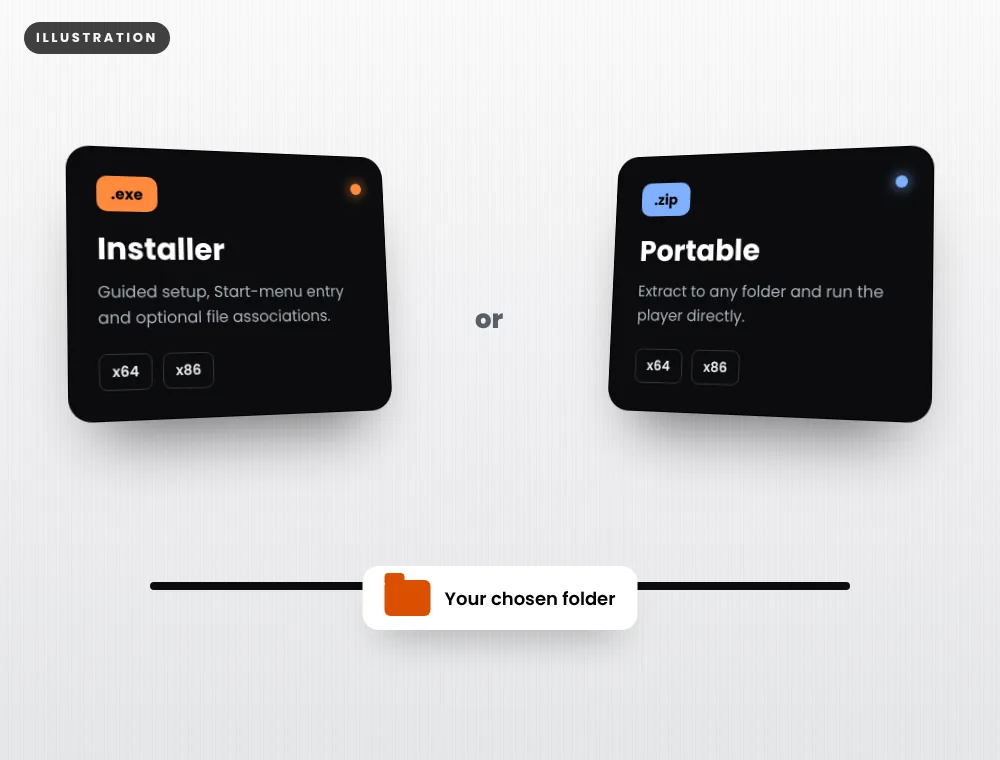
Installers (.exe) and portable builds (.zip) for x64 and x86 are attached to each version on the official Releases page, together with the release notes.
Input 03 How to download
Follow the signal path from choosing a package to checking the file before you open it.
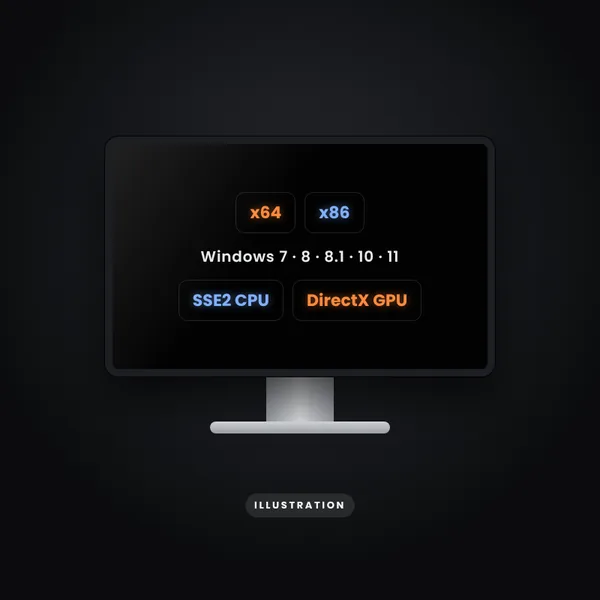
Open Settings › System › About and note whether Windows is 64-bit or 32-bit. MPC-HC supports Windows 7, 8, 8.1, 10 and 11.
Watching videos? Choose the x64 or x86 installer (.exe) or portable build (.zip). Building or studying the code? Choose the source ZIP.
Our buttons go to github.com/clsid2/mpc-hc only. The source button starts a direct ZIP download; the Releases button opens a web page listing the builds.
Let the browser save it to Downloads. The x64 installer is about 22 MB; GitHub shows each file’s exact size beside its name.
Confirm the address bar showed github.com/clsid2/mpc-hc, compare the version with the release notes and scan the file with your antivirus. Keep Windows security features switched on.
What our buttons actually do: “Download source ZIP” requests develop.zip from GitHub and your browser saves it straight away. “Open Releases page” only opens a web page; nothing downloads until you click a file name there. We never redirect you automatically.
Input 04 What it does
MPC-HC plays local video and audio files, discs, network streams and, with a compatible card, DVB or ATSC television. Its design goal has never changed: start instantly, use few resources and expose every setting to anyone who wants it.
Under the classic menu bar sits a modern engine. LAV Filters handle decoding, MPC Video Renderer handles HDR output, and the DirectShow architecture means advanced users can still slot in third-party filters. Most people never need to touch any of that: they double-click a file and it plays.
Want to know how we research the facts on this page? Read about our editorial process.
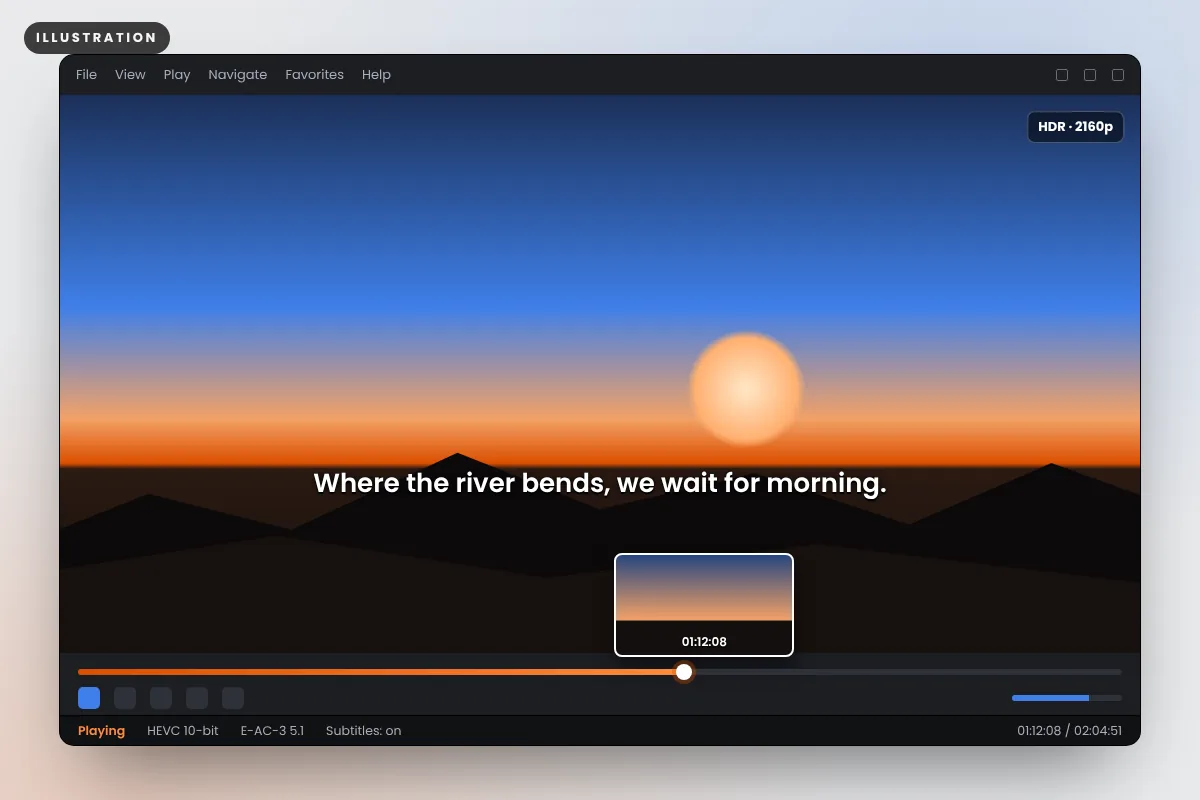
Illustration of a typical playback window — not a screenshot of MPC-HC.
Connect a laptop to an HDR television, open a 4K HEVC file and let MPC Video Renderer handle tone mapping, with the dark theme keeping the room dim.
Load two subtitle tracks, loop a single line with A-B repeat and slow speech to 0.8× with pitch correction so voices still sound natural.
Resume a three-hour recording where you left off, skim chapters with seekbar previews and finish at 1.5× speed without losing clarity.
Input 05 Installation & first use
These steps use the ready-made builds from the Releases page. MPC-HC is Windows-only, so there are no macOS, Linux or Android instructions to give.
The installer asks for administrator approval because it writes to Program Files. The portable build needs no installation: extract it to a folder you control and run mpc-hc64.exe (or mpc-hc.exe for x86).
Windows may show “Windows protected your PC” for new open-source builds. If you downloaded from github.com/clsid2/mpc-hc and the file details match the release, choose More info and then Run anyway. Never turn SmartScreen or your antivirus off.
Open View › Options › Player › Formats to make MPC-HC the default for video, audio or both. On Windows 10 and 11, confirm the choice in Settings › Apps › Default apps.
In the internal LAV Video settings, set the hardware decoder to D3D11 on Windows 10 and 11. The release notes recommend this pairing with MPC Video Renderer for the best performance.
Drag a video onto the window or use Ctrl+O. Space pauses, the arrow keys seek, D searches for subtitles and the right-click menu reaches nearly everything else.
Input 06 Compatibility
Operating-system support as documented by the project README. Configurations the project does not document are marked unconfirmed rather than guessed.
| Platform | Builds | Status | Notes |
|---|---|---|---|
| Windows 11 | x64 | Supported | Recommended: D3D11 decoding with MPC Video Renderer. |
| Windows 10 | x64, x86 | Supported | Use x64 on 64-bit editions. |
| Windows 8 / 8.1 | x64, x86 | Supported | Listed in the official requirements. |
| Windows 7 | x64, x86 | Supported | Listed in the README; optional yt-dlp needs a Windows 7-compatible build. |
| Windows on ARM | x64 / x86 via emulation | Unconfirmed | No native ARM64 build; emulated use is not documented. |
| Windows XP / Vista | — | Not supported | Dropped by the current builds. |
| macOS, Linux | — | No native app | Running under Wine or a VM is not documented. |
| Android, iOS | — | No app | There is no official APK or mobile release. |
Input 07 Pros & cons
What MPC-HC does better than most, and where it may not suit you.
Input 08 Comparison
Four respected free players judged on the same criteria. Each wins in different situations, so choose by platform and workflow rather than by headline.
| Criterion | MPC-HC | MPC-BE | VLC media player | mpv |
|---|---|---|---|---|
| Best suited to | Light, classic Windows playback with HDR | Windows users wanting a reworked MPC interface | One player on every device, including discs and streams | Minimal, scriptable playback for power users |
| Platforms | Windows | Windows | Windows, macOS, Linux, Android, iOS | Windows, macOS, Linux, BSD |
| License | GPL-3.0 | GPL-3.0 | GPL-2.0-or-later (libVLC under LGPL) | GPL-2.0-or-later / LGPL-2.1-or-later |
| Decoding | LAV Filters, built in | Built-in filters (DirectShow) | Own libavcodec-based engine | FFmpeg |
| HDR handling | MPC Video Renderer (Dolby Vision) or madVR | Supported; details vary by renderer | Supported on recent versions; varies by OS | Tone mapping via libplacebo |
| Portable build | Yes, official ZIP | Yes, official ZIP | Yes, ZIP/7z on Windows | Windows builds from third parties |
| Interface | Classic menus, dark/light theme | Modernised skin, own toolbar | Traditional GUI, skinnable | On-screen controller, config files |
Details reflect each project’s public documentation at the time of checking; editions and features change between releases, so confirm on the official sites before deciding.
Input 09 Troubleshooting
The six problems MPC-HC users raise most often, with the cause to check first. For version-specific changes, read the official release notes.
Likely cause: a renderer that does not handle HDR metadata, or Windows HDR switched off.
Fix: select MPC Video Renderer (the default) or madVR under Options › Playback › Output. Dolby Vision needs MPCVR specifically. Then check that HDR is enabled in Windows display settings.
Likely cause: software decoding on a heavy HEVC or AV1 stream.
Fix: in LAV Video settings set the hardware decoder to D3D11 on Windows 10 or 11, and update your graphics driver. Older GPUs may lack AV1 or 10-bit HEVC hardware decoding entirely.
Likely cause: yt-dlp is missing, outdated or lacks its runtime.
Fix: put yt-dlp.exe in the MPC-HC folder, install the Visual C++ 2010 SP1 Redistributable (x86) and keep yt-dlp updated. Add ffmpeg.exe for the best-quality streams.
Likely cause: the OpenSubtitles daily quota for anonymous users.
Fix: create a free OpenSubtitles account and enter it in the subtitle settings of MPC-HC, or try again the next day.
Likely cause: a conflicting external filter or an unusual audio renderer setting.
Fix: remove leftover codec packs, switch to the internal audio renderer, and use the audio delay setting for files that are genuinely mismatched.
Likely cause: a new release that SmartScreen has not seen often yet.
Fix: confirm it came from github.com/clsid2/mpc-hc, scan it with your antivirus and compare the version with the release notes. Do not disable your security software; if anything looks wrong, delete the file and download again.
Read the notes before upgrading, and prefer stable releases over development builds unless you are testing a fix.
Use Options › Player to store settings in an .ini file, then keep a copy before major changes.
One player, internal filters and no codec packs is the most reliable combination.
Input 10 Editorial perspectives
Editorial scenarios written by our team, not user reviews or testimonials. We do not publish invented quotes or star ratings.
For a dedicated media PC, MPC-HC with MPC Video Renderer is a lean way to get correct HDR and Dolby Vision output without the overhead of a full media centre. Pair it with D3D11 hardware decoding and the set-up stays quiet and cool. If you rely on an elaborate library interface, a media-centre application may still suit you better.
Pitch-corrected speed control, A-B loops and dual subtitle support make this one of the most practical study tools on Windows, and it costs nothing.
Open-source licensing, a predictable installer and a portable build make MPC-HC easy to standardise across lab or office machines without licence tracking.
Input 11 FAQ
Twelve short answers on downloads, licensing, package choice, Android and online myths, updates and support.
Yes. MPC Player is the everyday name for MPC-HC, which is free and open-source software released under the GNU General Public License v3. There is no paid edition, no subscription, no advertising inside the player and no account to create. The GPL also lets anyone study and modify the source code.
The actively maintained build lives on GitHub under clsid2/mpc-hc. Ready-to-run installers and portable ZIP files are attached to each entry on the Releases page. The main button on this site downloads the project’s source-code ZIP directly from the same repository.
The source ZIP is a snapshot of the develop branch: C++ code, project files and resources that developers compile with Visual Studio. It does not contain a ready-made .exe. If you simply want to watch videos, download the .exe installer or the portable .zip build from the Releases page instead.
No. MPC-HC is a Windows desktop program built on DirectShow, and the project publishes no Android, iOS or macOS version. Any file advertised as an “MPC Player APK” is unrelated to the official project and should be treated with caution. On Android, look for a player that is designed for that platform.
No, there is no web version. MPC-HC has to be installed or run from a portable folder on a Windows PC. The closest thing to “online” is its optional yt-dlp integration, which lets the desktop player open supported video URLs once you add yt-dlp yourself.
On a 64-bit edition of Windows 10 or Windows 11, choose the x64 build, which is what almost every current PC runs. Use the x86 (32-bit) build only on a 32-bit edition of Windows or when a legacy 32-bit DirectShow filter you depend on refuses to load in the 64-bit player.
The program icon is a clapperboard showing a coloured 3, 2, 1 countdown, so many users search for it as the “321 player”. It is the same MPC-HC software; there is no separate product with that name.
The original MPC-HC team announced the end of development in 2017. Since 2018 the developer known as clsid2 has continued the player on GitHub, adding updated LAV Filters, AV1, HDR and many fixes. Version 2.8.2 was published on 17 September 2026. The maintainer is not accepting new feature requests, but bug fixes and decoder updates continue.
The installer adds Start-menu shortcuts and offers file associations, which suits a personal PC. The portable ZIP runs from any folder, including a USB stick, which suits shared or locked-down machines. Both contain the same player; you can switch the settings store to an .ini file if you want everything kept in one folder.
Usually not. LAV Filters are bundled, covering the vast majority of modern video and audio formats. Avoid installing large codec packs alongside MPC-HC, because they can override the internal filters and cause the very playback problems you were trying to solve.
MPC-HC can check for updates from its Help menu, and new builds always appear on the official Releases page with notes. Running a newer installer over an existing installation keeps your settings. For the portable build, extract the new files over the old folder after backing up your .ini file if you use one.
No. This is an independent guide. We do not develop, host or modify the software. Every download link points to the clsid2/mpc-hc project on GitHub, and you can read how we research and check facts on our About page.
Get the classic Windows player with modern codecs, HDR output and zero adverts, straight from the official project.